How telephony and CRM integration can reduce manual call admin. Key takeaways: Start with the business decision the CRM should improve.; Check whether the data, process and adoption model support that decision..
This blog was written in collaboration with CNS Ltd., specialists in IT, communication, and technology solutions.
Using 3CX and Workbooks in your business is an easy way to save time, reduce time spent on admin tasks, and give your team the tools to deliver better service.
For many businesses, managing customer calls alongside CRM records can be a time-consuming challenge. To help bridge that gap, we’ve developed a seamless integration between 3CX and Workbooks CRM, designed to simplify call handling, increase efficiency, and keep your records up to date automatically.
Screen Popping
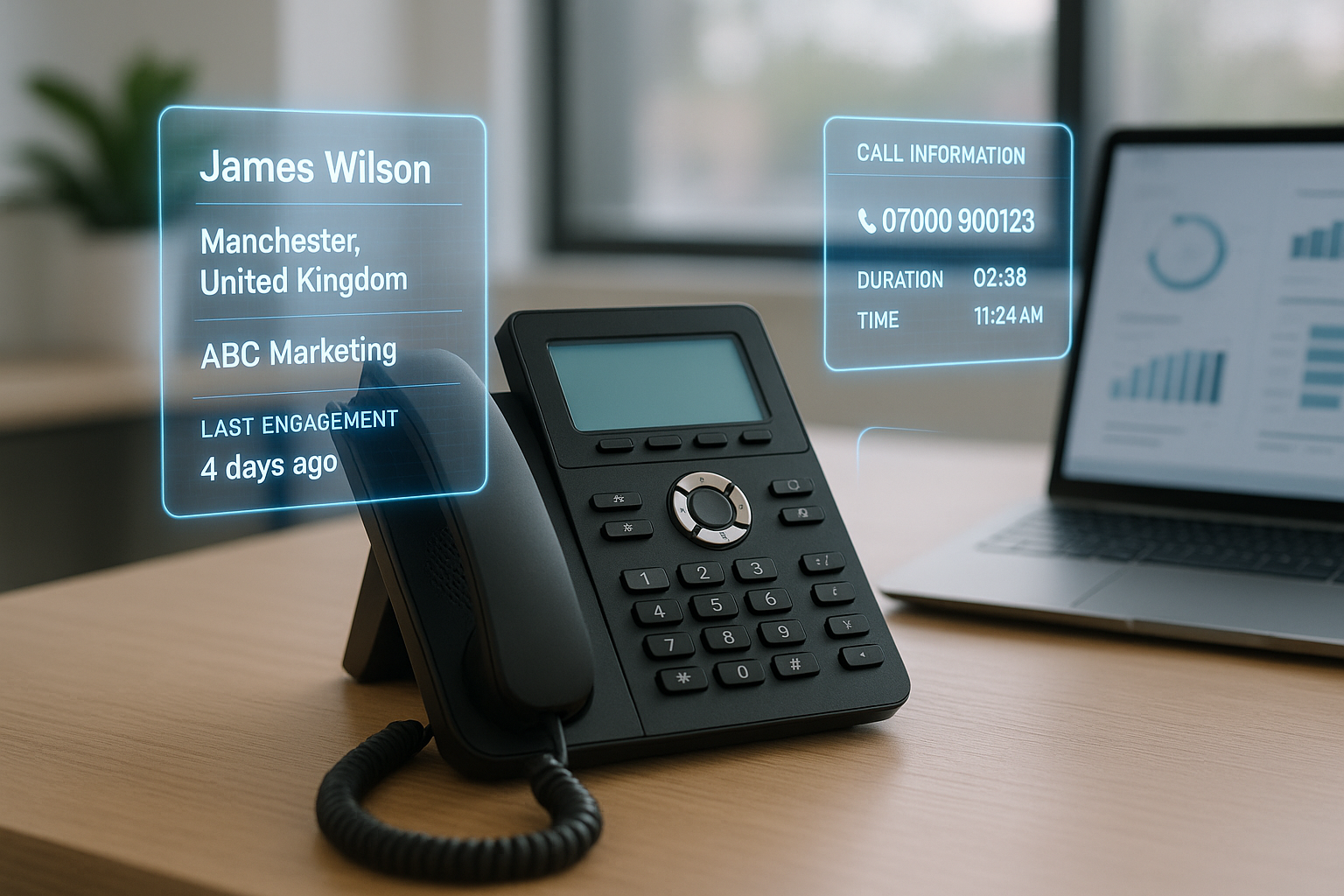
First impressions matter, and having instant context makes a difference. With screen popping, when a call comes in, 3CX can automatically open the caller’s Workbooks record. This gives your team immediate access to past interactions, notes, and account details before they even answer the phone. The feature can be switched on or off depending on how you prefer to work, and records can still be accessed manually if needed.
Click-to-Call from Workbooks
Speed and accuracy are vital when reaching out to customers. Instead of dialling numbers manually or copying them across, staff can simply click the phone icon within any Workbooks record to call directly through 3CX.
This reduces errors, saves valuable time, and makes outbound calling a far smoother and easier process for your team.
Automatic Call Logging
Keeping a reliable record of customer communications is essential, but manually logging calls is often overlooked. With this integration, every call is automatically captured in Workbooks, whether inbound, outbound, missed or unanswered. Each log includes useful details such as the agent’s extension, the number dialled, call type, and duration, ensuring a full and accurate activity history for every customer.
Call Recordings in Workbooks
Call recordings are linked directly to the relevant activity record in Workbooks, so they can be accessed whenever they’re needed. Recordings are archived daily by 3CX and appear the following morning, ready for playback. This makes it easy to review conversations, resolve disputes, or use recordings for staff training.
This integration helps your team work smarter, not harder. By reducing manual admin and keeping all call activity linked to customer records, it enables faster responses, clearer insights, and better customer experiences. For business owners, it’s about gaining efficiency and ensuring your CRM truly reflects the heartbeat of your customer interactions.
Not sure if 3CX + Workbooks is right for your business?
Let’s have a chat. Our team can walk you through the integration and assess whether it will have a positive effect on your business.
If you’re considering how 3CX and Workbooks integration might benefit your business and would like some free personalised advice and guidance, then schedule a consultation with one of our experts by clicking or tapping on the button below.