
Journey hub
Optimise, integrate or change CRM
For teams migrating, integrating, cleaning data or escaping a CRM that no longer fits how the business works.

Leadership questions
Start with the decision, then choose the CRM work
These are the questions the page should help a leadership team answer before they buy more licences, migrate data or ask users to change behaviour.
Should we migrate?
How clean is the data?
Which systems need to connect?
What happens after go-live?
Articles
Practical guidance for this stage
Plain-English guidance for this stage of the CRM journey, written around the questions leaders actually ask.

Migrate from GoldMine CRM
How to think about moving away from GoldMine when the system no longer supports the way the business works.

Data rot: what is it, and how much is it costing you?
A practical look at old, incomplete and unreliable CRM data.

Automating AML through CRM integration
How CRM integration can reduce repeated admin and compliance friction.

People are not using the CRM
How to diagnose whether poor adoption is caused by product fit, process or deployment.

How to migrate from ACT!
What to consider when replacing ACT! with a better fit for remote and growing teams.

Three major pitfalls in CRM data migration
Common migration risks and how to reduce them before switching systems.

The 5 steps to data migration success
A practical route through CRM migration planning, cleaning, testing and adoption.

How a CRM portal improves efficiency and customer satisfaction
How portals can reduce admin and make customer interactions easier to manage.

Simplify customer calls with 3CX and Workbooks
How telephony and CRM integration can reduce manual call admin.
CRM migration best practices
How to switch CRM systems without losing useful data, process knowledge or team trust.
Form fill automation and eSignatures
How better intake forms and signatures can fix broken data collection.
How CRM integration drives sales growth
How connected systems make sales and leadership reporting more useful.
Year-end CRM checklist
A practical checklist for cleaning, reviewing and fixing CRM before the next year.
Related proof
Case studies for this journey
Proof is filtered by the prospect’s problem, not just by industry.
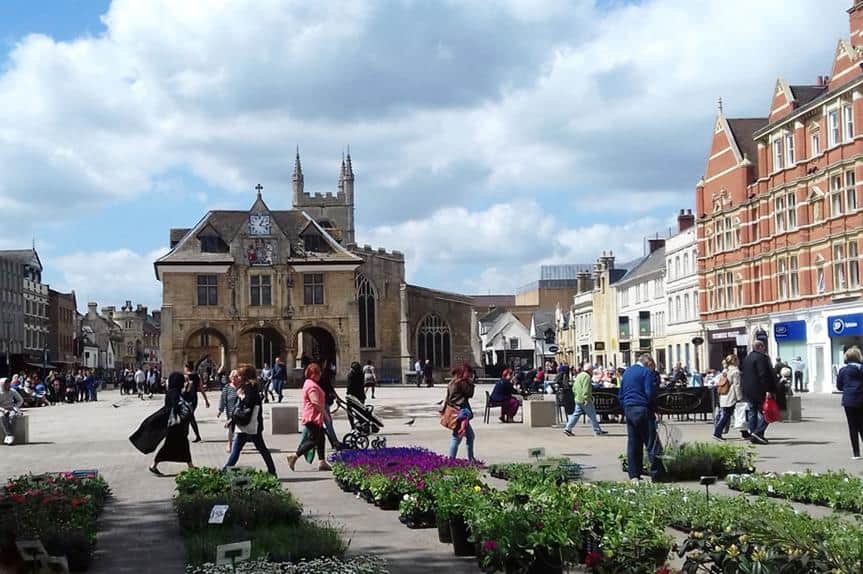
Managing highly complex funding data simplified through CRM
A growth hub needed better control of complex business and funding data.
- Compliance
- Data
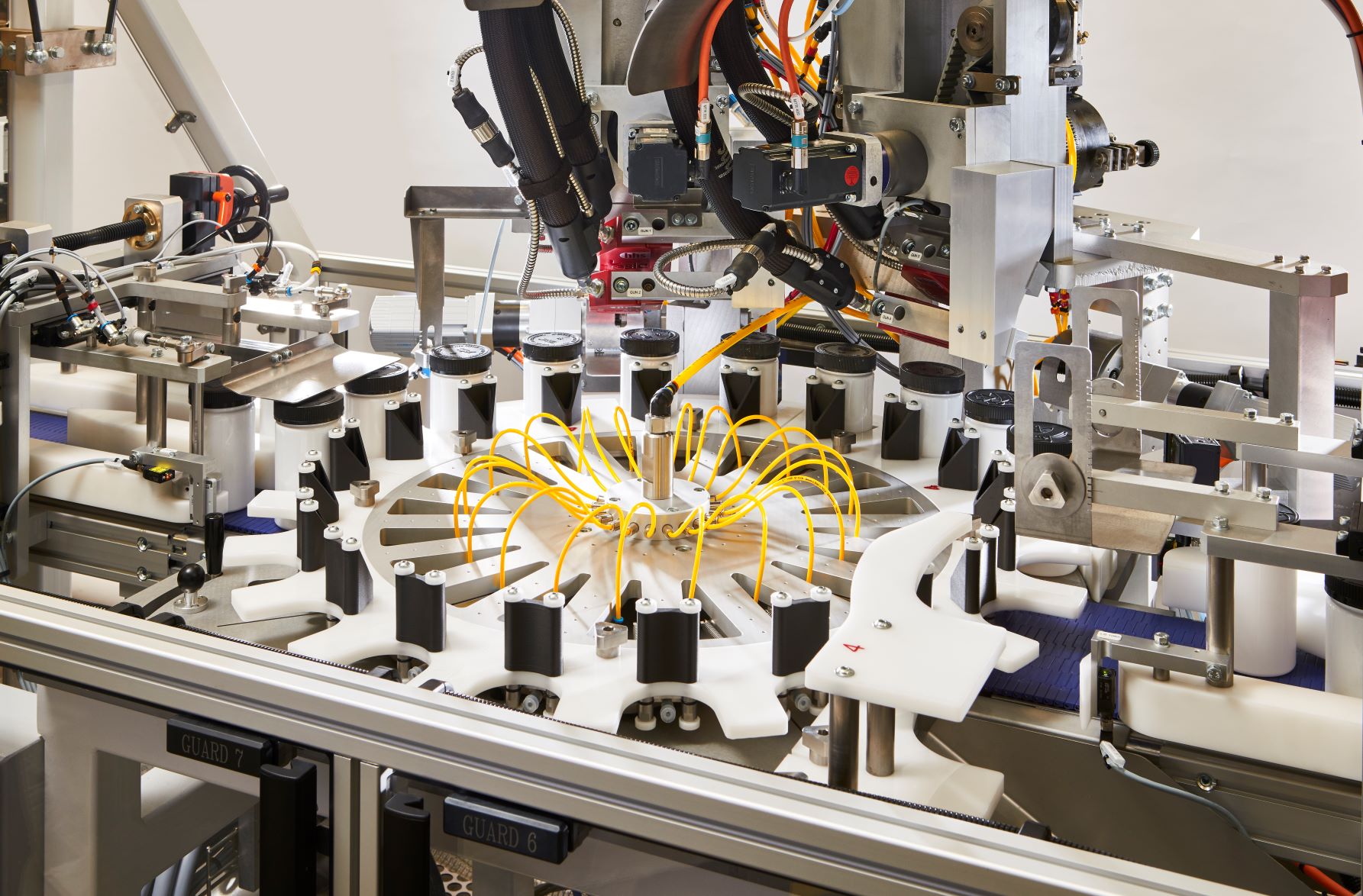
Unlocking data in multiple systems enables engineering firm to ramp up marketing and sales
A PE-backed engineering firm needed to connect data across systems to support growth.
- Integration
- PE growth

Microsoft CRM swapped out for a better-fit solution
A specialist construction firm replaced Dynamics when the system lacked flexibility.
- Legacy escape
- Dynamics
A switch from Dynamics to Workbooks enables manufacturer to have its best year yet
A manufacturer moved from incomplete data and Dynamics complexity to a better Workbooks setup.
- Legacy escape
- Workbooks
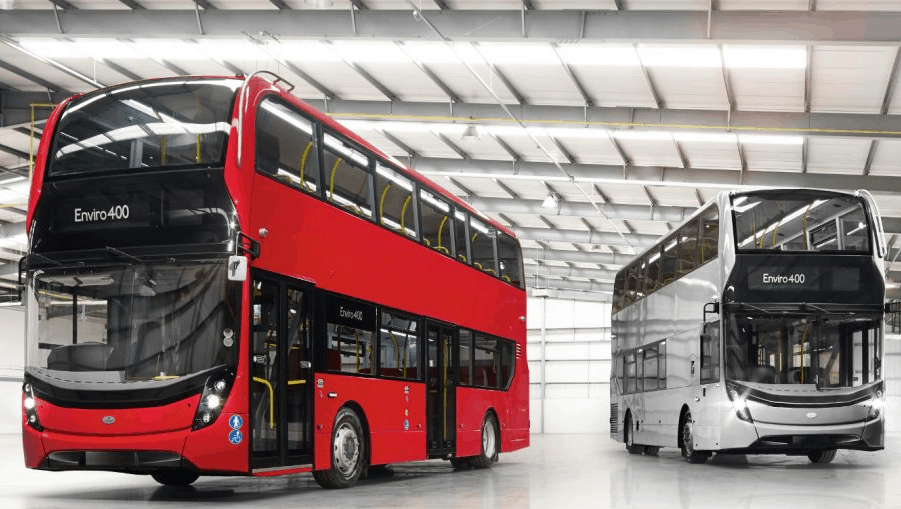
Remote workers get empowered as ACT! gets replaced with Workbooks
An asset finance team replaced ACT! to better support remote workers.
- Legacy escape
- Act!
- Workbooks

CRM solves disparate data after acquiring another business
An acquisition created messy inherited data that needed a stronger CRM approach.
- M&A
- Data
FAQ
Common questions for this journey
What belongs in the Optimise, integrate or change CRM journey?
For teams migrating, integrating, cleaning data or escaping a CRM that no longer fits how the business works.
What should we do first?
Use the CRM Scorecard to understand the current state, then choose a workshop, service or article path based on the result.
Can this journey lead to a consulting project?
Yes. The journey hubs educate first, then route serious prospects toward the scorecard and fit call.
Diagnostic first
Not sure where to go after Optimise, integrate or change CRM?
Start with the free CRM Scorecard. It takes a few minutes and gives you a practical next step before anyone books time in the diary.
3-5 minutes. 6-page personalised report. No hard sell.